This video is on its way. The page is here so the link you share will not change.
Creators
0:36
Coming soon
When a TikTok LIVE is flagged: Support and appeals
My LIVE just got flagged, who do I even ask? The request goes to the agency, in the app, with a status the creator can always see.
Send this link
Send by emailWhat the video shows
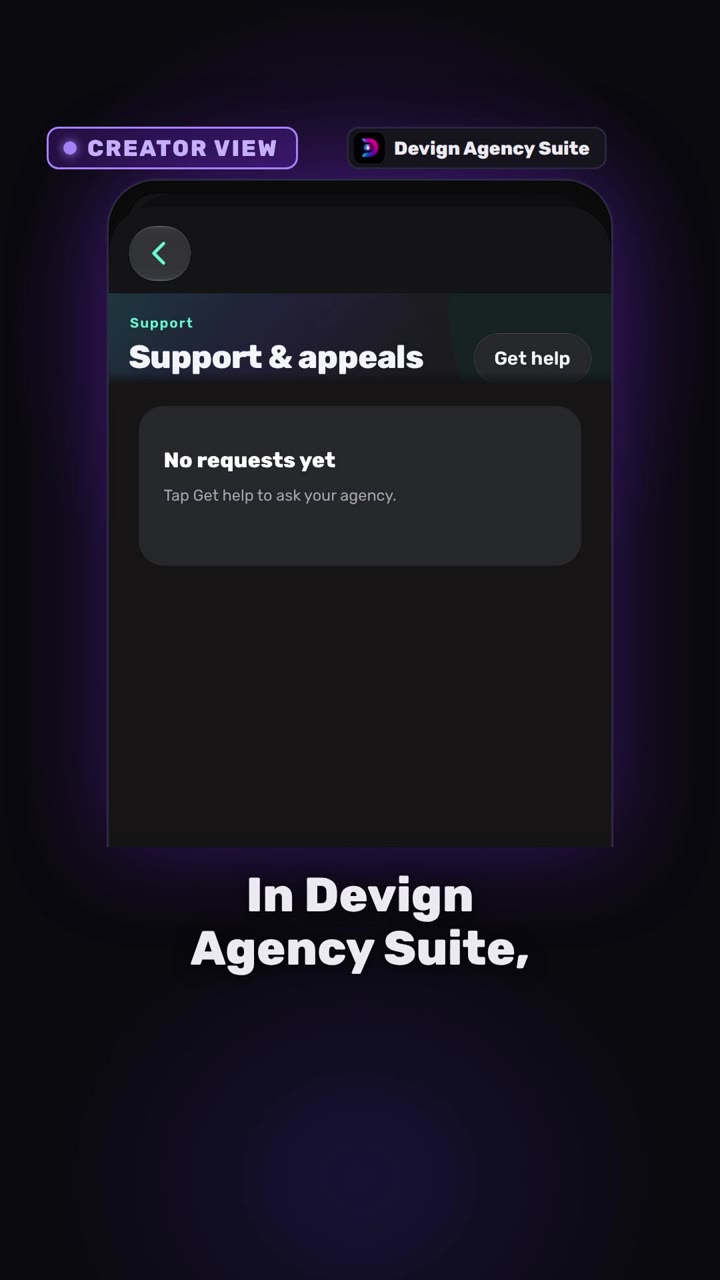
- The creator taps Get help, picks a topic (Account, LIVE, Payments, Performance or Other) and sends the request.
- Staff see it in the appeals queue, reply to the creator and set the status.
- The creator sees the reply and the status: Open, In review or Resolved.
Transcript
My LIVE just got flagged! Who do I even ask? No idea, man.
In Devign Agency Suite, your creator taps Get help. Pick a topic, say what happened, send.
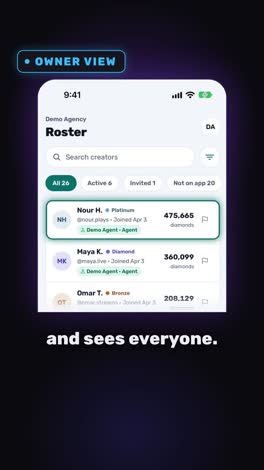
Now, the agency side. The request lands in the Appeals queue. Staff open it, reply, and set the status. In Review, then Resolved.
Back on the creator's phone, the reply is waiting, and the status is always visible. Nothing gets lost in a chat.
Support and Appeals. In one place.
Open your agency today.
Open your agency
Devign Agency Suite is on the App Store and Google Play.