This video is on its way. The page is here so the link you share will not change.
Creators
0:29
Coming soon
How to request LIVE and video boosts
Stop taking boost requests by DM. Creators ask in the app, and the agency answers from one list.
Send this link
Send by emailWhat the video shows
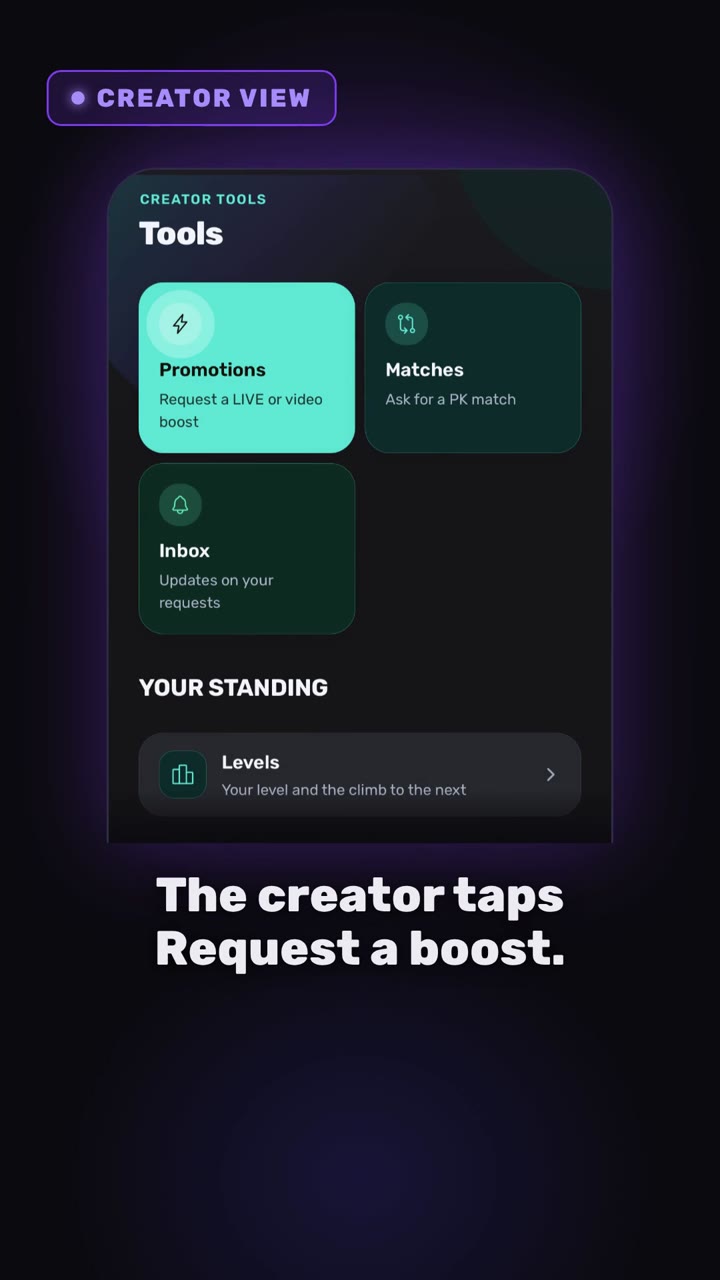
- The creator opens Tools, taps Request a boost, picks LIVE or video, adds a preferred time and details.
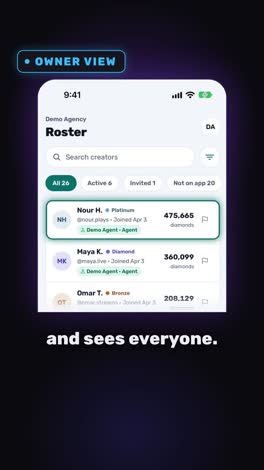
- The owner sees every request in one list and approves, declines or completes it.
- The owner can also gift boosts to chosen creators, or to everyone.
Transcript
Stop taking boost requests by DM. Do it in Devign Agency Suite. The creator taps Request a Boost. Pick the type, choose a time or stay flexible, add details and send.
Now, the owner's side. Every request lands in one list and the owner can gift boosts to one creator, a few or everyone in a single step.
Back on the creator's phone, the boosts are ready to use.
Open your agency today.
Open your agency
Devign Agency Suite is on the App Store and Google Play.