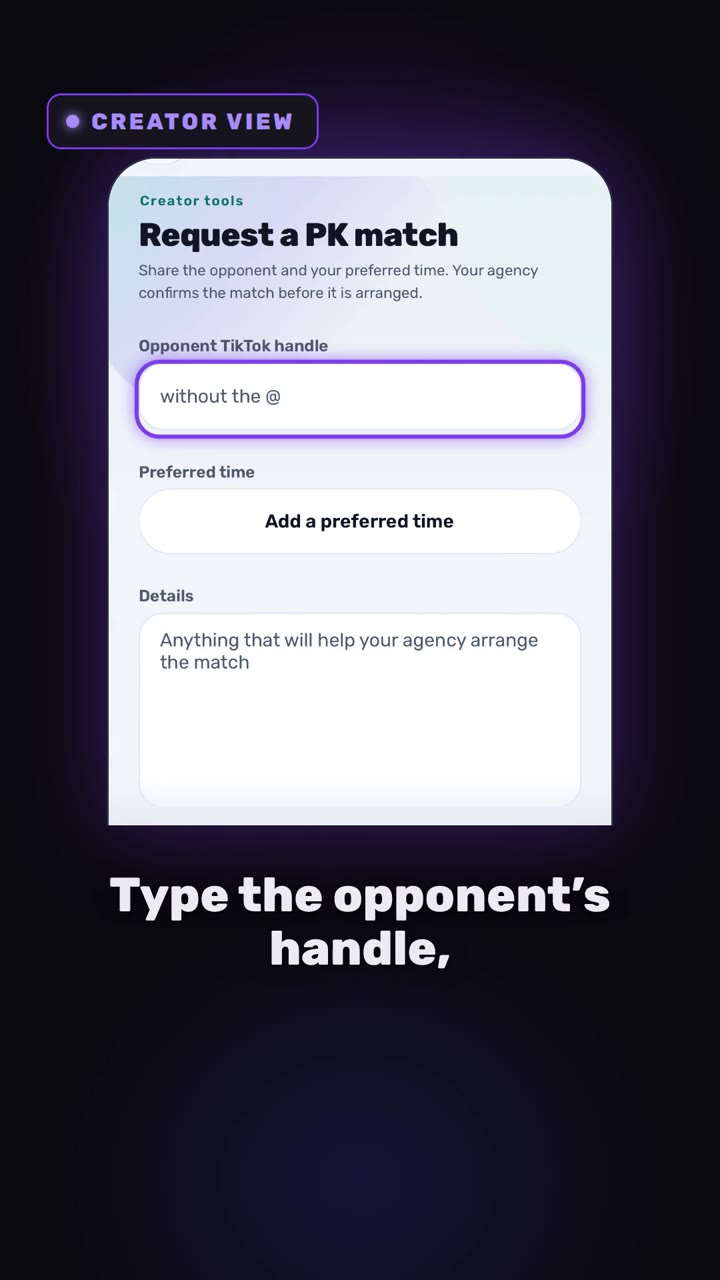
This video is on its way. The page is here so the link you share will not change.
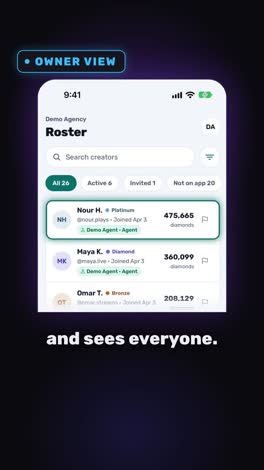
Creators
0:34
Coming soon
How to set up a PK match with your agency
PK at nine, and nobody knows who the opponent is. Requests used to arrive as three different messages. Now they arrive as one.
Send this link
Send by emailWhat the video shows
- The creator taps Request a PK match, enters the opponent’s TikTok handle and picks a preferred time.
- Staff see every request in one list: decline, leave an internal note that only staff can see, or mark it complete.
- The creator follows the request in their own list.
Transcript
PK at 9. It's 8.50. Who's the opponent? Setting up a PK match should NOT take 20 messages.
In Devign Agency Suite, the creator taps Request a PK match. Type the opponent's handle, pick a time, add details, and send.
Now the agency side. Every request lands in one list. Staff can decline it, leave an internal note, and mark it complete when the match is done. The creator sees where it stands. No more chasing.
Open your Agency today.
Open your agency
Devign Agency Suite is on the App Store and Google Play.