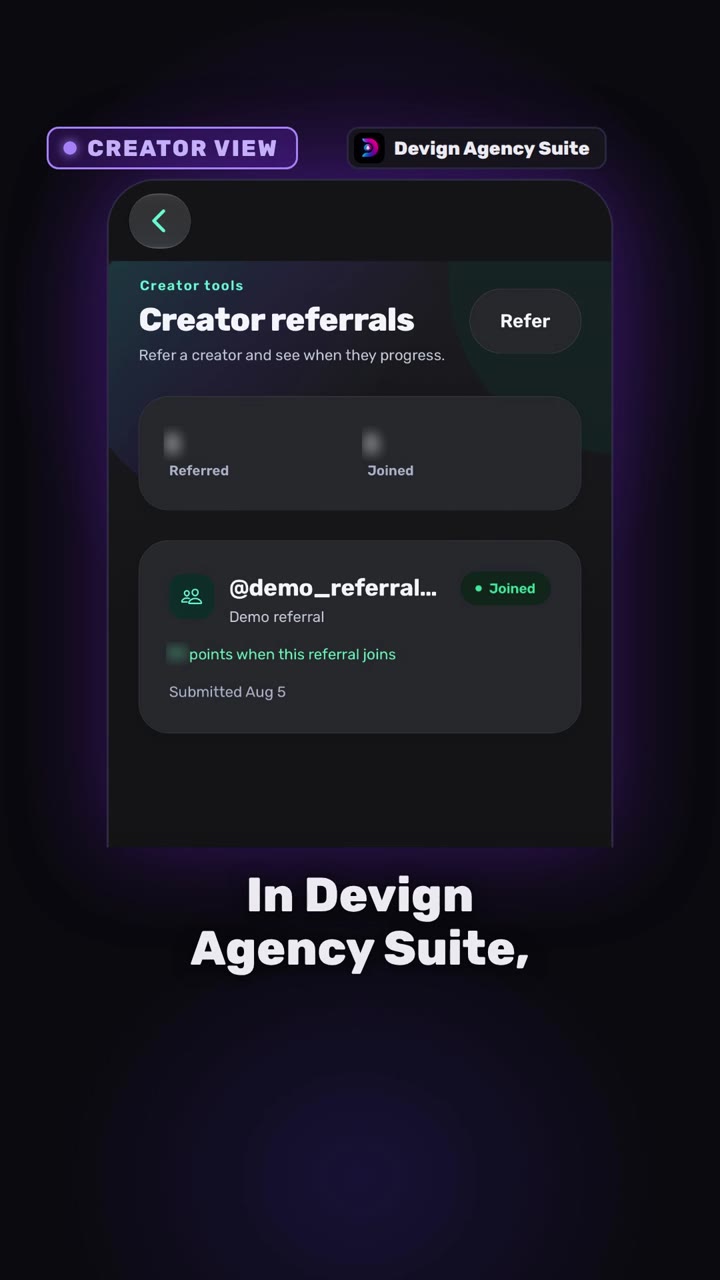
This video is on its way. The page is here so the link you share will not change.
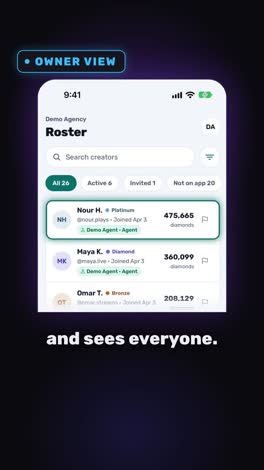
Creators
0:38
Coming soon
How to refer a creator to your agency
I found a great creator, who do I tell? The referral goes straight to the agency, and the creator can follow it.
Send this link
Send by emailWhat the video shows
- The creator taps Refer and adds the TikTok handle and a name.
- Staff check eligibility, then invite, mark joined, or decline, with an optional note.
- Back on the creator’s phone, the referral and the note from the agency.
- Pending, Invited, Joined: every referral from first message to joined.
Transcript
I found a great creator for our agency! Who do I tell? No idea, man.
In Devign Agency Suite, your creator taps Refer. Type the TikTok handle, add a name, send.
Now, the agency side. The referral lands in the list. Staff check eligibility, then invite, or mark not eligible. When the creator joins, mark joined.
Back on the creator's phone, the status is always visible, with a note from the agency. No handle lost in a chat.
Creator referrals, from first message to joined.
Open your agency today.
Open your agency
Devign Agency Suite is on the App Store and Google Play.